
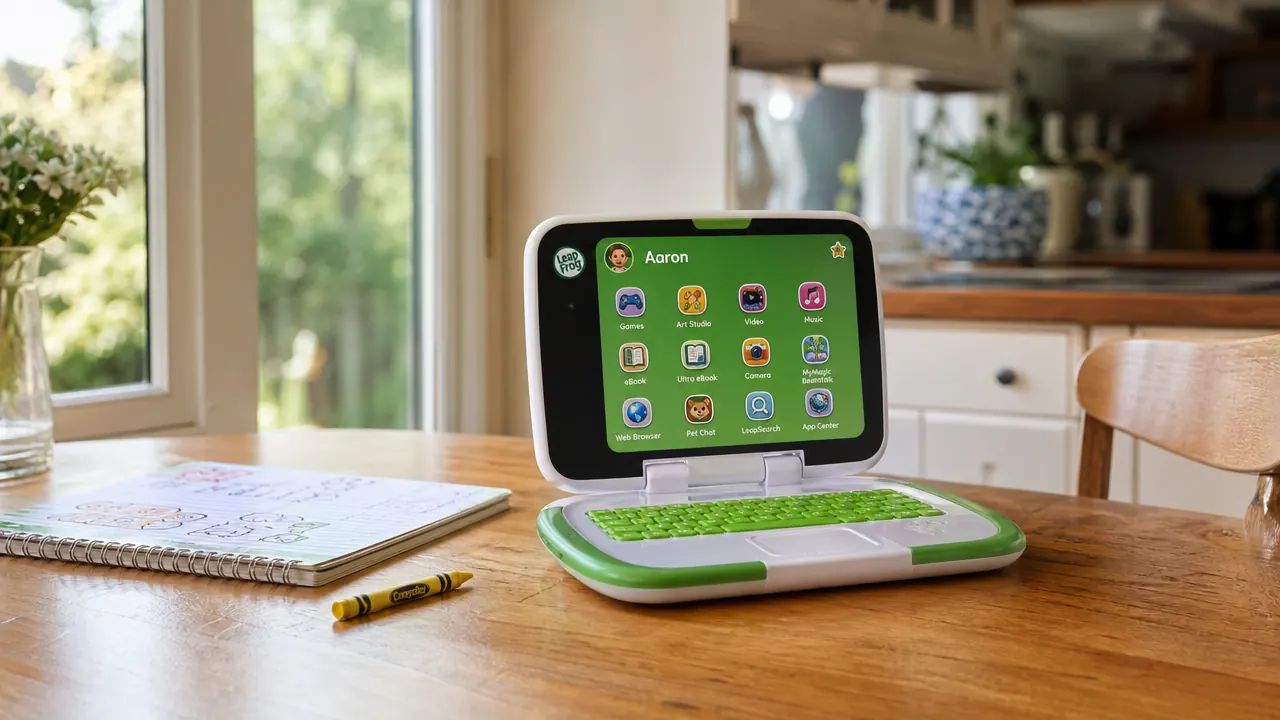
If you are standing in the aisle at Target or scrolling Amazon at 11pm trying to figure out which kids' tablet to buy, I want to save you that half hour of reading reviews that contradict each other. I am a third-grade public school teacher and a mom of three, and I have spent real time with both the LeapFrog LeapPad Academy and the Amazon Fire Kids tablet. One of them has been in my classroom. One of them has been the subject of more than a few dinner-table negotiations at my house. Here is the honest breakdown.
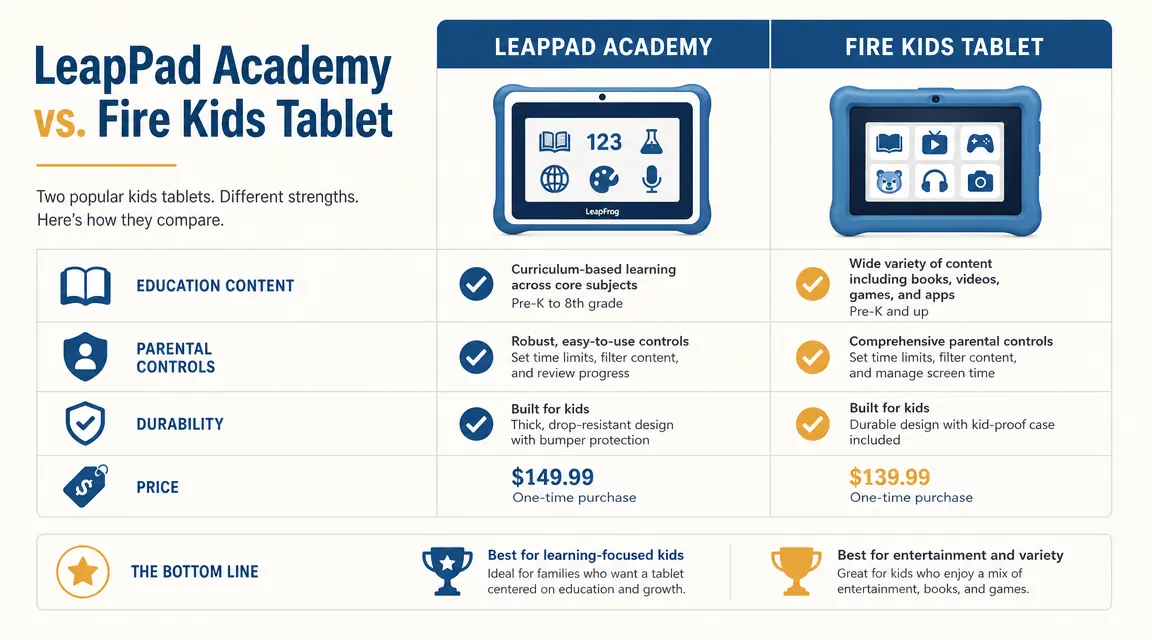
The short answer: if your child is between 3 and 7 and you want a tablet that is focused on learning, the LeapFrog LeapPad Academy is the better pick. If your child is 6 or older and already uses tablets comfortably, or you want a general-purpose device they will grow into, the Fire Kids is worth considering. The details matter a lot though, and that is what this comparison is for.
| LeapFrog LeapPad Academy | Amazon Fire Kids (7-inch) | |
|---|---|---|
| Current Price | Check today's price on Amazon | Check today's price on Amazon |
| Target Age Range | 3 to 7 years | 3 to 7 years (with Kids+ subscription) |
| Content Type | Curriculum-aligned educational apps and games only | Entertainment + education mix; requires Kids+ subscription |
| Parental Controls | Built-in, no subscription required; controls web access, time limits, and content by age | Amazon Parent Dashboard; full controls free but tied to Amazon account |
| Durability | Chunky rubber bumper case included; survived every classroom table drop I have seen | Kid-proof case included; 2-year worry-free guarantee from Amazon |
| Screen Size | 7-inch touchscreen | 7-inch HD display |
| Internet Access | Wi-Fi for downloading approved apps; no open browsing | Wi-Fi with full browser (locked behind parental controls) |
| App Store | LeapFrog App Center only (600+ titles, all reviewed for educational quality) | Amazon Appstore (millions of apps; quality varies widely) |
| Long-Term Usability | Content is age-limited; most kids outgrow it by 7 or 8 | Grows with the child into general use; more longevity as a device |
Where the LeapPad Academy Wins
The LeapFrog LeapPad Academy wins on one thing that matters most in my classroom: the content is actually educational, not just educational-flavored. Every single app in LeapFrog's store goes through a curriculum review before it is published. I am not guessing at that based on marketing copy. I teach third grade and I have looked through the apps myself. The phonics sequences follow real progression models. The math games build number sense rather than just drilling facts out of context. When a 4-year-old picks up this tablet, they are not going to accidentally end up watching a cartoon or wandering into a YouTube rabbit hole. That is a feature, not a limitation.
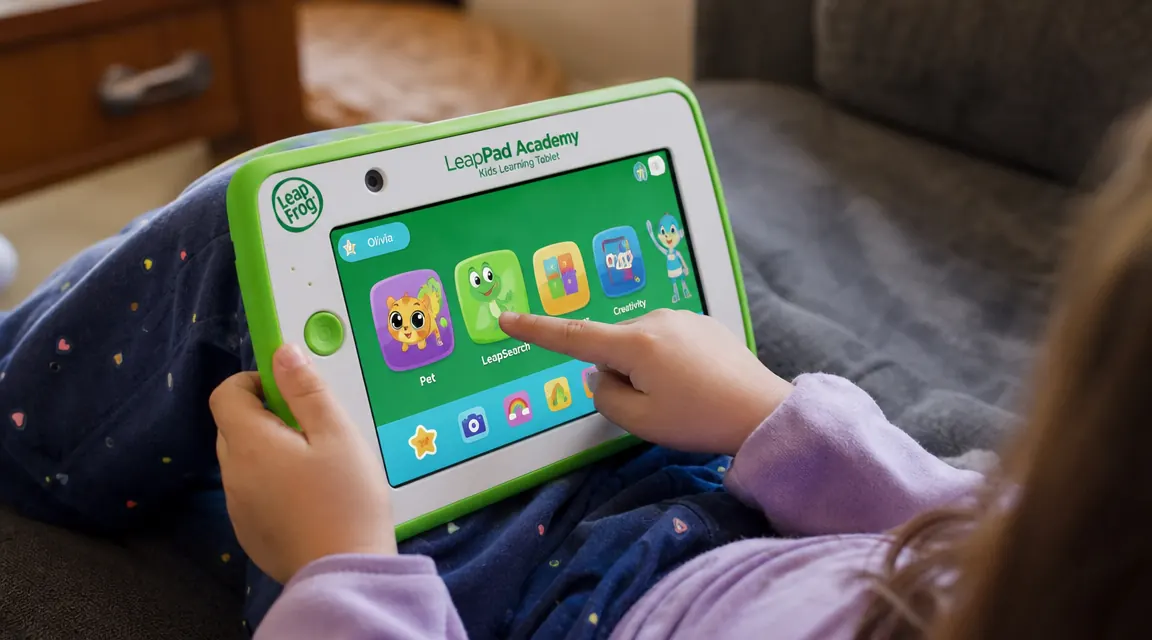
The parental controls are also genuinely simple for parents who are not tech people. My neighbor Carla, who is absolutely not a tech person by her own admission, set up her daughter Lily's LeapPad in about eight minutes without calling me once. The interface was designed for parents who do not want to spend a Saturday afternoon in account settings. Time limits, content filters, and progress tracking are all built into the device with no subscription required. That is worth calling out because the Fire tablet's best controls are tied to a monthly fee.
Where the Fire Kids Tablet Wins
The Amazon Fire Kids tablet wins on flexibility and longevity. If you buy a LeapPad for a 4-year-old, you will likely be replacing it by age 7 or 8 because your child will have genuinely outgrown the content library. The Fire Kids tablet can grow with your child because it runs on a full Android-based operating system. A 5-year-old can use it with the Kids+ subscription keeping everything curated and kid-safe, and a 9-year-old can use the same physical device with more general browsing enabled. One purchase, several years of use, even if the monthly subscription adds to the cost over time.
The display is also noticeably sharper. The Fire Kids 7-inch has an HD screen, while the LeapPad's resolution is lower. For older kids watching educational videos or reading digital books, that difference shows. Amazon's 2-year worry-free guarantee is also genuinely good. If your child breaks the device within two years, Amazon replaces it no questions asked. LeapFrog's warranty is more standard and requires a bit more process to use.
Your 3-to-5-year-old needs focused learning time, not a general tablet with 800 distractions
The LeapFrog LeapPad Academy is the only kids' tablet with a curriculum-reviewed app library that closes off entertainment drift entirely. Check today's price and what is included in the box.
Amazon Check Today's Price on Amazon →The Content Quality Gap Is Bigger Than You Think
Here is something I want to say plainly because I do not see enough reviews talk about it. The Amazon Fire Kids tablet advertises itself as an educational device, and with the Kids+ subscription it does include educational content. But the subscription library is a mix of genuinely educational apps, entertainment apps, and a lot of stuff that sits in between. There is no curriculum framework enforcing that a child's time on the device is moving them toward any particular learning goal. It is content in the way that a buffet is a meal. You can eat well or you can eat badly, and the device itself is not going to make that call for you.
The LeapPad Academy, by contrast, does make that call for you. It is a restricted library by design, and if you are buying a tablet for a 3, 4, or 5-year-old who is supposed to be building foundational reading and math skills, that restriction is the whole point. Every minute your child spends on the LeapPad is a minute in something curriculum-adjacent. That is not true of the Fire Kids tablet, even with Kids+ enabled. I have watched kids use both in school-adjacent settings, and the LeapPad children stay on task longer simply because there is no off-ramp to something more immediately entertaining.
Every app in the LeapFrog store has gone through a curriculum review. You cannot say that about a single other kids' tablet on the market right now.
Durability: Honest Notes From Someone Who Has Watched Kids Abuse Both
Both tablets come with protective cases and both are rated for drops. I want to be honest about what I have seen. The LeapPad's chunky green rubber case is genuinely substantial. It is made for small hands and it is made to be dropped. I have had one fall off a student's desk three times in a single morning and it was fine. The screen feels less fragile than a premium tablet screen and I think that is partly because the resolution is lower, meaning it was designed with practical durability in mind from the start.
The Fire Kids case is also good. Amazon's 2-year guarantee covers accidental damage and that is a real safety net. Where the Fire Kids can be more fragile is at the corners and the speaker grille, which is exposed on most case configurations. For a 3-year-old specifically, I give the durability edge to the LeapPad. For a 6 or 7-year-old who has slightly better motor control and more careful habits, the Fire Kids holds up fine.
Who Should Buy Which
Buy the LeapFrog LeapPad Academy if your child is between 3 and 6, you want tablet time to be learning time without having to police what they are doing, and you do not mind the fact that the device has a fairly firm expiration date around age 7 or 8. It is the better educational tool for that window. It is particularly good for parents who are not tech-forward themselves, since setup is fast and the controls are built into the device. It is also the right choice if you are buying this as a gift for a young child whose parent you know values screen-time intentionality. You will not be giving them a headache.
Buy the Amazon Fire Kids tablet if your child is 6 or older, or if you want a device that will grow with your child beyond the early learning years. It is also the better choice if your household already runs on Amazon and you are comfortable managing the Parental Dashboard. The ongoing Kids+ subscription cost is real, so factor that into your comparison. Over two years that adds up to significant subscription fees on top of the device price, which narrows the apparent price advantage significantly.

For the specific window of ages 3 to 7, I keep recommending the LeapPad to parents who ask me because that is the window where the content intentionality matters most. Those are the years when kids are building phonemic awareness, early number sense, and the habit of focused learning. A tablet that supports those goals without constant parental intervention is a tool worth having. The Fire Kids is a great device, I want to be clear about that, but it is a more general tool and general tools require more adult oversight to stay educational.
The LeapPad Academy was built for exactly the 3-to-7 window. Here is what you get in the box.
Curriculum-reviewed apps, no-subscription parental controls, and a case that survives real kids. See current price and in-stock availability before you decide.
Amazon Check Today's Price on Amazon →